
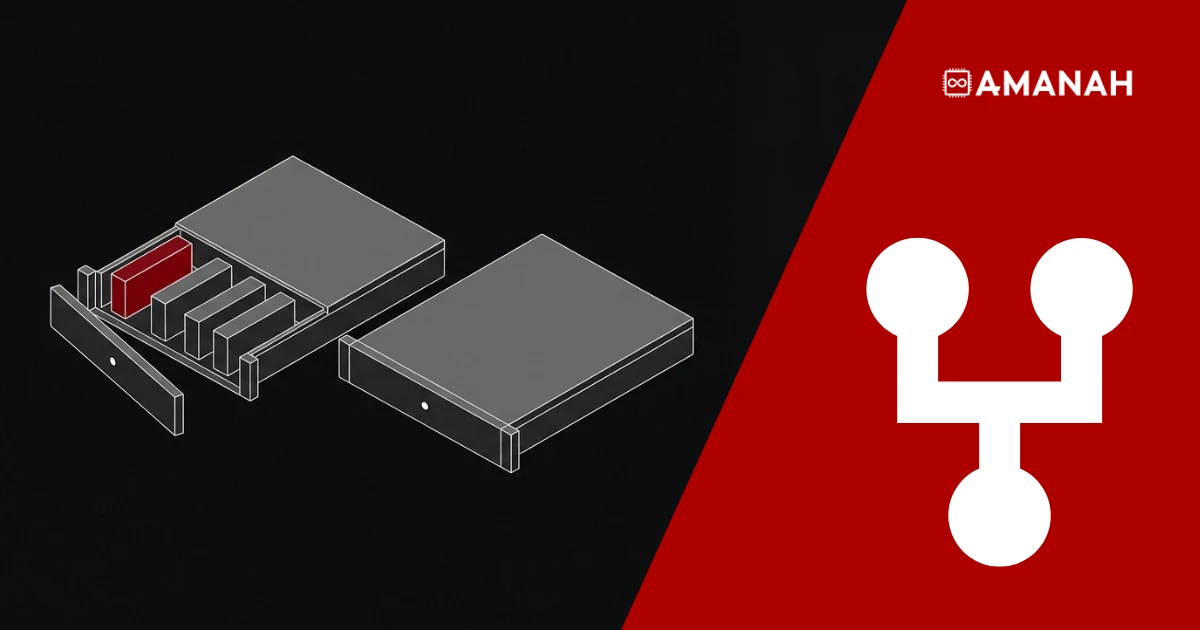
- Remote hands is physical work that needs no knowledge of how your system is configured.
- Smart hands is work that needs someone to read your setup and exercise judgement.
- IMACD is lifecycle work: install, move, add, change and dispose, planned rather than reactive.
- Providers define all three differently, so the scope in your ticket matters more than the label.
- Uptime Institute’s 2026 outage analysis found that failures to follow procedures remain the leading driver of human error in outages.
- Ask whether the technician is resident in the building or dispatched to it. Travel time is billable.
- Most requests are planned logistics, not emergencies. At Amanah the top three are receiving equipment, rack and stack, and hardware upgrades.
Remote hands is physical work at your rack that needs no knowledge of your configuration. Smart hands is work that needs someone to read your setup and make a judgement. IMACD is planned lifecycle work: install, move, add, change, dispose. Same building, same technician, three different levels of decision, and the wrong choice is what costs you the afternoon.
Somewhere in a building you are not in, a machine you own has stopped answering. The fix might take ninety seconds. Getting a qualified person in front of it might take a day. That gap is what all three services exist to close.
They close it in different ways, at different levels of judgement, and picking the wrong one is how a small job turns into a three-email afternoon.
What is remote hands?
Remote hands is physical work performed on your equipment by on-site staff, carried out under your instructions, where the task needs no knowledge of how your system is configured. Power cycling a device, reseating a cable, swapping a drive you supplied, attaching a crash cart, reading a front-panel code back to you.
The defining test is judgement, not difficulty. Racking a server is physically harder than deciding which port is faulty, but racking is remote hands and diagnosing the port is not. One follows written instructions. The other requires someone to interpret your environment.
You will also see this called hands and eyes support, which is a fair description of the job. The technician is your hands, and often more usefully, your eyes: confirming a light is amber rather than green, reading an error off a screen, photographing a cable run so you can see what the monitoring cannot tell you.
Typical remote hands support covers:
- Receiving, signing for and storing inbound equipment, and escorting your own vendors through the space
- Racking and stacking new hardware to your layout
- Swapping or adding a component you have shipped in, such as memory or a drive, when the scope is agreed in advance
- Power cycling servers, switches, routers and storage when remote access is gone
- Checking indicator lights, front-panel codes, screen output and port status
- Reseating and reconnecting cables, and basic tracing under clear instruction
- Labelling racks, ports and equipment so the next request is faster
- Photographing the result so your team can see the rack without being at it
What are smart hands, and how are they different?
Smart hands is on-site work that requires the technician to read your setup and make a decision inside it. Working out which of four ports is failing, interacting with an operating system, changing a device configuration under your direction, or diagnosing why a device is not coming back.
The practical difference is who is holding the judgement. With remote hands, your engineer holds it and the technician executes. With smart hands, you are handing over a slice of that judgement, which means you have to hand over context as well: credentials, a runbook, a description of what good looks like.
That changes how the work is priced and scheduled. Remote hands is usually a defined task on a defined clock. Smart hands is usually quoted per request, because how long it takes depends on what is found. At Amanah both are billed at the same hourly rate, with smart hands quoted per request; the current rate and terms are on the remote hands at 151 Front Street West page.
It also changes who is accountable. A remote hands request that goes wrong is usually a scoping failure. A smart hands request that goes wrong is usually a context failure. Both are avoidable, and both are avoided in the ticket rather than at the rack.
What is IMACD, and when does it apply?
IMACD stands for install, move, add, change and dispose. It is lifecycle work rather than incident response: deploying new hardware, relocating equipment between racks, adding capacity, reconfiguring a layout, or decommissioning and removing kit at end of life.
The distinction that matters is planning horizon. Remote hands and smart hands are things you need now, because something is broken or unclear. Install move add change work is scheduled, has a defined outcome, usually touches more than one device, and often has a change window attached to it.
Treating IMACD as a quick remote hands ticket is the more common mistake, and the more expensive one. A rack relocation raised as a two-line ticket at four in the afternoon is how cabling gets rebuilt from memory. Equally, routing a single reboot through a change-approval process nobody needs is how a ninety-second fix takes until Thursday.
Smart hands vs remote hands vs IMACD at a glance
| Remote hands | Smart hands | IMACD | |
| What it is | Physical work needing no knowledge of your configuration | Work needing someone to read your setup and judge | Install, move, add, change, dispose |
| Who holds the judgement | Your engineer | Shared, under your direction | Planned jointly in advance |
| Typical trigger | Something is unreachable or unclear now | A fault needs interpreting on site | A project, refresh or capacity change |
| Examples | Power cycle, reseat a cable, crash cart, read a panel code | Find the faulty port, OS interaction, config change | New deployment, rack move, capacity add, decommission |
| What you supply | Precise instructions and a rack reference | Instructions, credentials, a runbook | A plan, a change window and an inventory |
| How it is scheduled | On demand | On demand, quoted per request | Booked against a window |
The terms overlap because providers define them differently. Some include a simple part swap under remote hands, others reserve anything past observation for smart hands. Do not argue the label. Describe the task, ask which category it falls into and what it will cost, and get that in writing before anyone touches the rack.
What do teams actually ask for?
Mostly planned work, not emergencies. At Amanah’s 151 Front Street West suites the three most common remote hands requests, in order, are:
- Receiving and signing for client equipment.
- Rack and stack installation.
- Hardware upgrades, such as memory or storage.
The team handles around ten remote hands requests a month, and smart hands is counted separately.
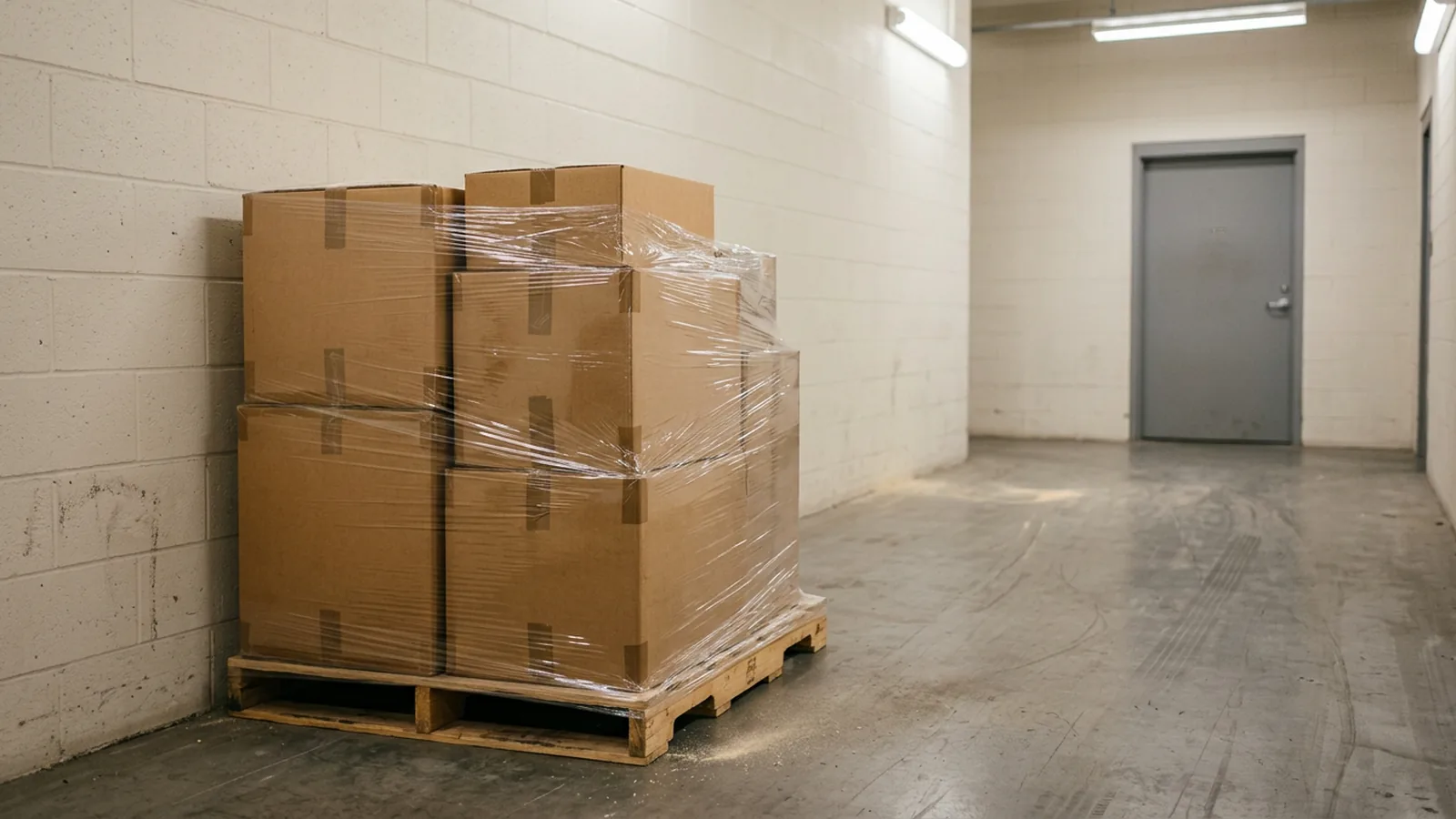
That is worth sitting with, because it cuts against how the service is usually described, including in the paragraphs above. The canonical remote hands story is the three in the morning power cycle. The actual volume is logistics: a courier at the loading dock, a new server going into a rack, a memory upgrade on a machine that is running perfectly well.
Set that list against the IMACD definition and the overlap is hard to miss. Receiving is the install. Rack and stack is the install and the move. A memory upgrade is the add. Three of the most common remote hands requests at 151 Front Street West are, by the textbook, lifecycle work. They are raised, scoped and billed as remote hands because each one is a defined physical task with no judgement in it, which is the test that actually decides.
The practical lesson is the one this article opened with. Do not sort your request by the category it sounds like. Sort it by how much judgement it needs, describe it precisely, and let the provider tell you what it is called and what it will cost.
Why does getting the category wrong cost you?
Because the category sets the procedure, and procedure is what keeps physical work from becoming an outage. Uptime Institute’s Annual Outage Analysis Report 2026, published 13 May 2026, found that failures to follow established procedures remain the leading driver of human error related outages, with inconsistent processes and installation errors also common contributors.
The same report puts a number on what that costs. 57 per cent of respondents said their most recent major outage cost more than $100,000, and for the second consecutive year one in five put it above $1 million.
A mis-scoped request is exactly the kind of inconsistent process that sits behind those figures. A task filed as remote hands but actually needing judgement stalls at the rack while someone waits for an answer, with the cabinet still shut and nothing moving. A task filed for a change window that only needed a reboot leaves a service down while a process runs.
How do you scope a request so it works the first time?
Write the ticket so a competent stranger could execute it without calling you. That is the whole standard, and almost every failed request fails it in the same few places.
A request that lands first time contains:
- The exact location. Rack, cabinet, unit position, port. Not “our switch”.
- The task in imperative steps. What to do, in order, and what to do if step two does not produce the expected result.
- The success condition. What the technician should see when it has worked.
- The stop condition. The point at which they should stop and come back to you rather than continue.
- What you want back. A photograph, a panel reading, a written note on the ticket.
- Who authorized it. A named contact on the account, because physical access to your equipment should never turn on an email address alone.
That last one is worth sitting with. A provider who will act on any email that sounds urgent has a security problem, not a service advantage.
What should a distributed team put in place before the first request?
The preparation is boring and it is the difference between a five minute request and a forty minute one. None of it can be done during an outage.
- Accurate records. Rack diagrams, device names, serial numbers, port maps, kept current rather than kept somewhere.
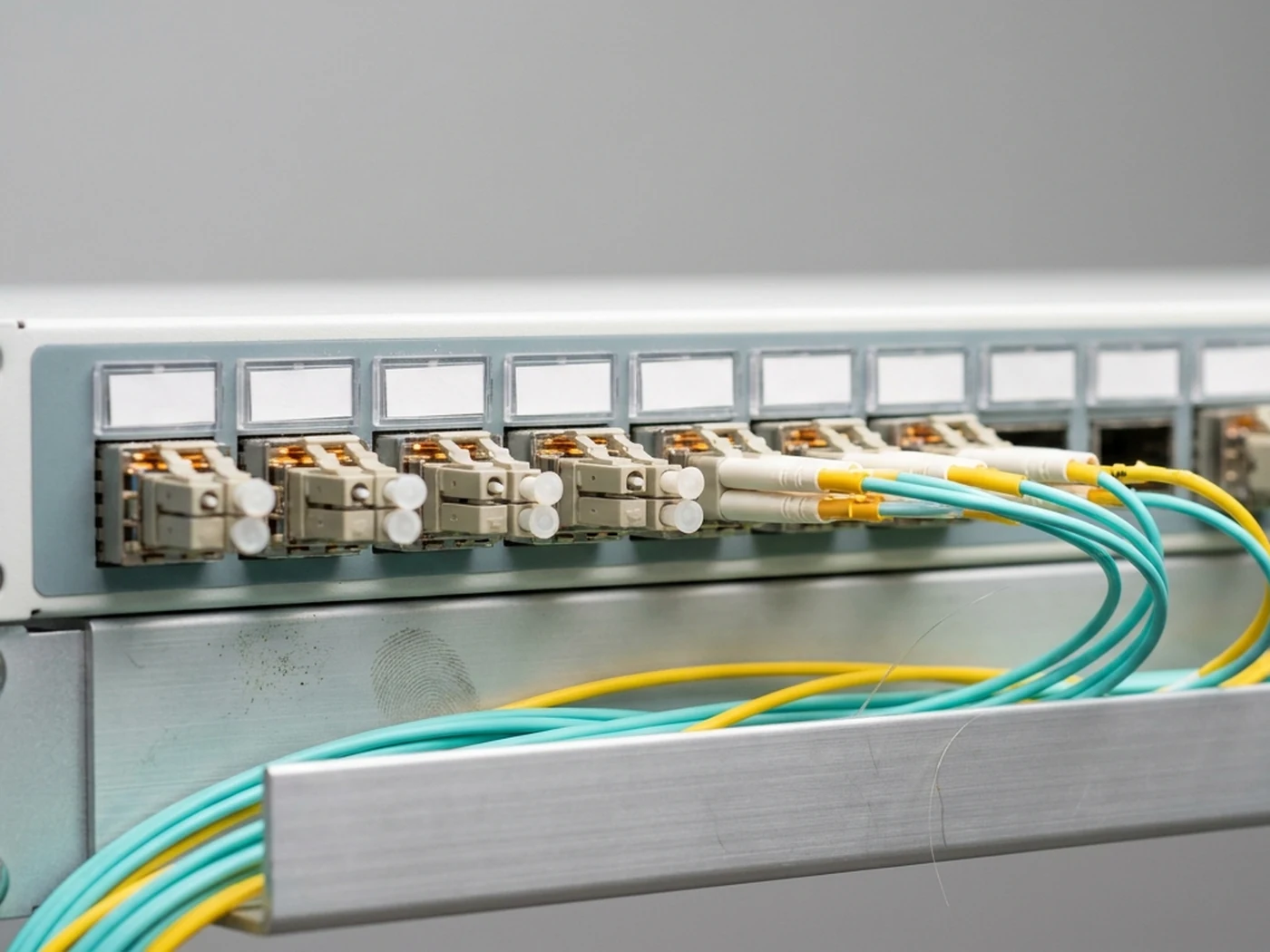
- Physical labelling. Labelled racks, ports and cables, ideally to a recognized scheme. ANSI/TIA-606-D, the administration standard for telecommunications infrastructure, covers identifiers, colour coding, records and administration classes, and exists precisely so that the person at the rack and the person on the ticket are talking about the same thing.
- Runbooks for the recurring tasks. If you have power cycled the same device three times, that is a document, not a memory.
- A named authorization list. Who can raise a request, who can approve a change, and how that list itself gets changed.
- A single request channel. One portal or one queue, so the ticket history is searchable. Repeat requests against the same device are a diagnostic in their own right.
How do you choose a provider for remote hands support?
Match the scope and the response commitment to how much the site actually matters to you, then read the fine print on what is excluded. The longest task list is not the best offer. The clearest one is.
Ask directly:
- Which tasks are standard remote hands, and which are classed as smart hands or IMACD?
- How are urgent, high priority and routine requests ranked, and what happens overnight and at weekends?
- Is the technician resident in the building, or dispatched to it? Travel time is billable time.
- Can the team send photographs, written notes and live updates during an open ticket?
- How is access to your equipment authorized, and what happens to a request from an unrecognized address?
- What are the billing increments, minimums, cancellation terms and after-hours rates?
- What is explicitly not covered?
The third question is the one that quietly decides your response time. Amanah’s answer is that staff work inside 151 Front Street West rather than travelling to it, which is why a request on your rack carries no travel time and no callout charge.
The last question is the most useful one, and the one most likely to be answered vaguely. A provider that can tell you crisply where its service stops has thought about where it starts.
How Amanah handles this at 151 Front Street West
Amanah staff work in TOR1 Suite 341 on the third floor and TOR2 Suite 616 on the sixth, where Amanah has operated since 2005. Requests are read back and confirmed before anything is touched, and confirmed again in writing when the ticket closes.
A standard request includes, at no extra charge:
- A photograph of the result, where a photograph shows anything useful.
- A written note on the ticket saying what was actually done.
- A second attempt if the first does not resolve it.
- A flag, not a silent fix, if the team spots something you did not ask about, such as a failed fan or a cable under strain.
Only contacts named on the account can raise a request. Anything from an address that is not on the list is held until a named contact confirms it, and the person waiting is told why. That check is not waived for urgency.
The service is available across colocation at 151 Front Street West on shared and private racks alike, and on a cross-connect you already hold with Amanah. Power and network availability in both suites are covered at 99.99% monthly under the service level agreement, which also sets out the credit mechanism and the exclusions. Since 2025 remote hands has been open to every tenant rather than a subset of accounts.
What it deliberately does not cover:
- Diagnosis. The team will tell you what it sees. Working out why a device is failing is smart hands.
- Anything inside your operating system, unless you have asked for it as smart hands and supplied the credentials and the steps.
- Spare parts. Amanah does not stock spares for your hardware. Ship the part in and the team will fit it.
- Equipment outside Amanah space. Remote hands applies to your equipment inside Amanah suites, not to hardware held elsewhere in the building.
- Open-ended troubleshooting. Every request has a scope agreed before work starts. If the scope needs to grow, the team comes back to you.
- Decisions. If a task turns out to have two possible next steps, the team stops and asks.
Describe the task. We will tell you which service it is, and what it costs, before we start.
Remote hands and smart hands at 151 Front Street West, performed by staff already in the building, scoped in writing before anyone touches your rack.
Questions about this topic
Remote hands is physical work that needs no knowledge of how your system is configured, such as a power cycle, reseating a cable, or reading a front-panel code back to you. Smart hands is work that needs the technician to read your setup and make a judgement, such as identifying a faulty port, interacting with an operating system, or changing a device configuration under your direction. Providers define the boundary differently, so confirm the scope in the ticket rather than relying on the label.
IMACD stands for install, move, add, change and dispose. It covers planned lifecycle work on infrastructure: deploying new hardware, relocating equipment, adding capacity, reconfiguring a layout, and decommissioning kit at end of life. Unlike remote hands and smart hands, IMACD work is scheduled against a change window rather than raised in response to an incident.
When the task needs physical access but does not need your specialist in front of it. Checking indicator lights, reseating cables, power cycling equipment, verifying labels, photographing a rack. It matters most when the equipment is in another city, in a colocation facility, or at a site with no full-time IT staff, because the alternative is losing a senior engineer to a day of travel for a ninety-second fix.
The exact rack, cabinet, unit and port; the task written as ordered steps; what the technician should see when it has worked; the point at which they should stop and come back to you; what you want returned, such as a photograph or a panel reading; and the name of the account contact authorizing the work. A request a competent stranger could execute without phoning you is a request that lands first time.
Less emergency work than the term suggests. At Amanah’s suites in 151 Front Street West the three most common remote hands requests are receiving and signing for client equipment, rack and stack installation, and hardware upgrades such as memory or storage, across roughly ten requests a month. Power cycles and cable work happen, but the steady volume is planned logistics rather than incident response, which is why preparation and clear scoping matter more than fast escalation.
Prepare before you need it. Keep rack diagrams, device names, serial numbers and port maps current, label racks and ports to a recognized scheme, write runbooks for anything you have asked for more than twice, maintain a named authorization list, and route every request through a single channel so the history is searchable. Uptime Institute’s 2026 outage analysis found that failures to follow established procedures remain the leading driver of human error related outages, which is what all of that preparation is guarding against.