
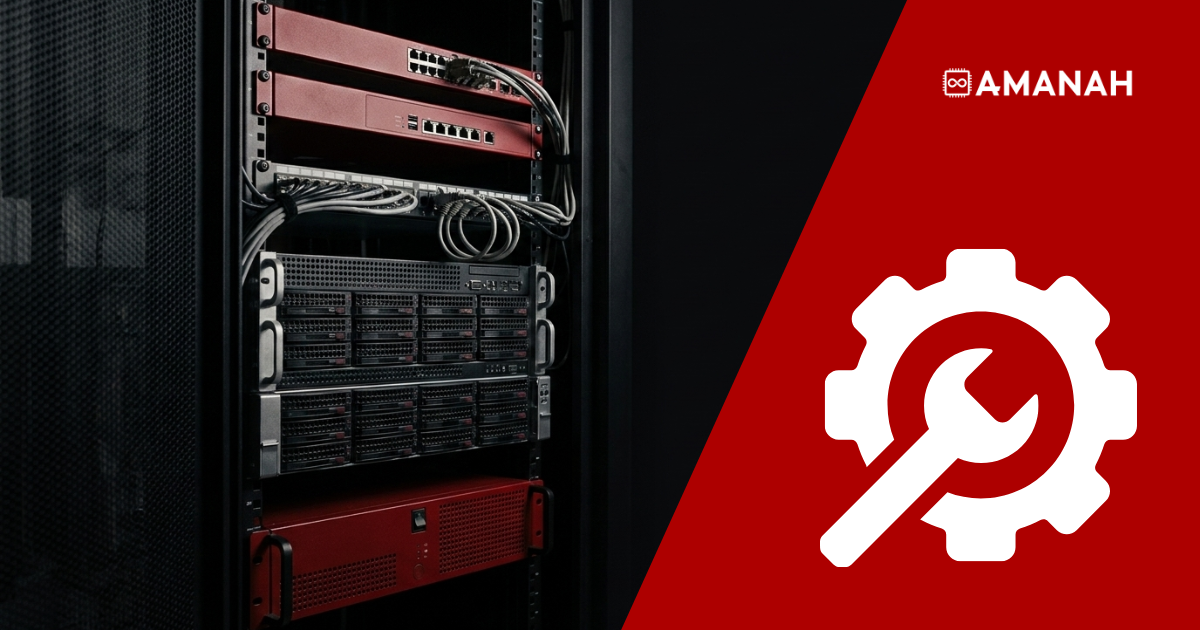
- Managed colocation means renting the network, security, and backup layer around your own servers instead of buying, racking, and maintaining it yourself.
- Amanah À La Carte splits this into three pillars: Space, Rent, and Manage. Any combination, no mandatory bundle, one contract and one invoice.
- Colocation space is published pricing: CA$149 per month for 1U up to CA$1,999 per month for a full 44U rack, each with a 1Gbps unmetered port, a /29 IPv4 subnet, and always-on DDoS mitigation.
- The rented layer, meaning managed switches, hardware firewalls, load balancers, and backup systems, is leased monthly with no large upfront cost and quoted on request.
- Every piece can be Amanah-managed or self-managed. You keep the servers. You choose how much of the rest you run.
A rack of servers you own still needs a switch to connect them, a firewall in front of them, and something backing up what is on them. Managed colocation is the arrangement where that surrounding layer is rented and operated by the facility rather than bought and maintained by you. The question was never whether the infrastructure is necessary. It is whether you source it, rack it, licence it, and keep it alive yourself, or hand it to the provider already holding your rack.
At 151 Front Street West, Amanah packages this as À La Carte (ALC). Three pillars, picked in any combination, under one contract and one invoice. For a team that already owns its compute, two of the three do the work.
What is managed colocation, and how does it differ from standard colocation?
Standard colocation sells space, power, cooling, connectivity, and physical security. Everything inside the rack is yours to supply and run. Managed colocation extends the same contract to the equipment around your servers and the daily operation of it: the provider leases you the switch, firewall, load balancer, and backup system, and can monitor, patch, and respond to incidents on them.
The distinction matters commercially more than technically. A standard colocation client typically holds three relationships: a colocation provider for the rack, a reseller for hardware, and a third party for management. Amanah À La Carte collapses those into one, which is the actual product. Nothing about the servers changes. What changes is how many vendors, contracts, and support lines a single rack requires.
The three pillars are Space (rack space, power, cooling, connectivity, and security), Rent (hardware leasing with no large upfront cost), and Manage (monitoring, network management, incident response, patching, and backup and disaster recovery). None of them is mandatory. A team that already owns its servers takes Rent and Manage and skips nothing else.
What can you rent instead of buying?
The Rent pillar covers the equipment most teams would otherwise source and own outright. Amanah specifies it, procures it, racks it, and leases it monthly, so the layer around your servers arrives as an operating cost rather than a capital purchase.
| Hardware | What it does in your rack | Run by |
| Routers and managed switches | Connect and segment the servers in your rack, and carry the uplink to Amanah’s network | Amanah network management and optimization, or you |
| Hardware firewalls and security appliances | Stateful inspection, intrusion prevention, web filtering, and IPsec VPN at the perimeter, with zero server CPU impact | Either |
| Storage and backup systems | Image-level and file-level backup onto dedicated hardware inside 151 Front Street West | Either |
| Load balancers | Distribute traffic across the servers behind them | Either |
| Dedicated servers | Optional, for compute you would rather not own alongside the hardware you do | Either |
Hardware is priced on equipment type and specification, leased with no large upfront cost, and can be added, swapped, or returned as requirements change. There are no setup fees.
What does colocation space cost at 151 Front Street West?
Colocation space is the one part of this with published, fixed, per-tier pricing. Everything below is in Canadian dollars, per month, with annual billing discounted 10 per cent across all tiers.
| Tier | Price (CAD/month) | Space | Power |
| Per U, shared rack | $149 | 1U lockable | 1 Amp, 110V |
| Quarter rack | $749 | 10U lockable | 20 Amps, 110V |
| Half rack | $1,299 | 21U lockable | 20 Amps, 110V |
| Full rack | $1,999 | 44U lockable | 2 x 20 Amps, 110V |
Every tier includes a 1Gbps unmetered port, a /29 IPv4 subnet with five usable addresses, always-on DDoS mitigation, and 24/7 on-site security. The network is multi-homed across five carriers, Beanfield, Cogent, Zayo, NetActuate, and TORIX, with direct TORIX peering at 100G and Meet-Me Room access to more than 400 networks and cloud providers. Power is N+1 redundant on UPS and diesel generator, cooling is Enwave deep lake water, and the facility carries a 99.99 per cent uptime SLA and SOC 2 Type II certification. Larger deployments run to private racks, cages, and suites, and TOR2 supports up to 25kW per rack for GPU and AI hardware.
Two commercial details are worth knowing before quoting: Amanah will match any comparable quote at 151 Front Street West and beat it by a further 10 per cent, and most racks are ready within one business day of signing. Full detail sits on the colocation pricing page.
How does a rented hardware firewall protect colocated servers?
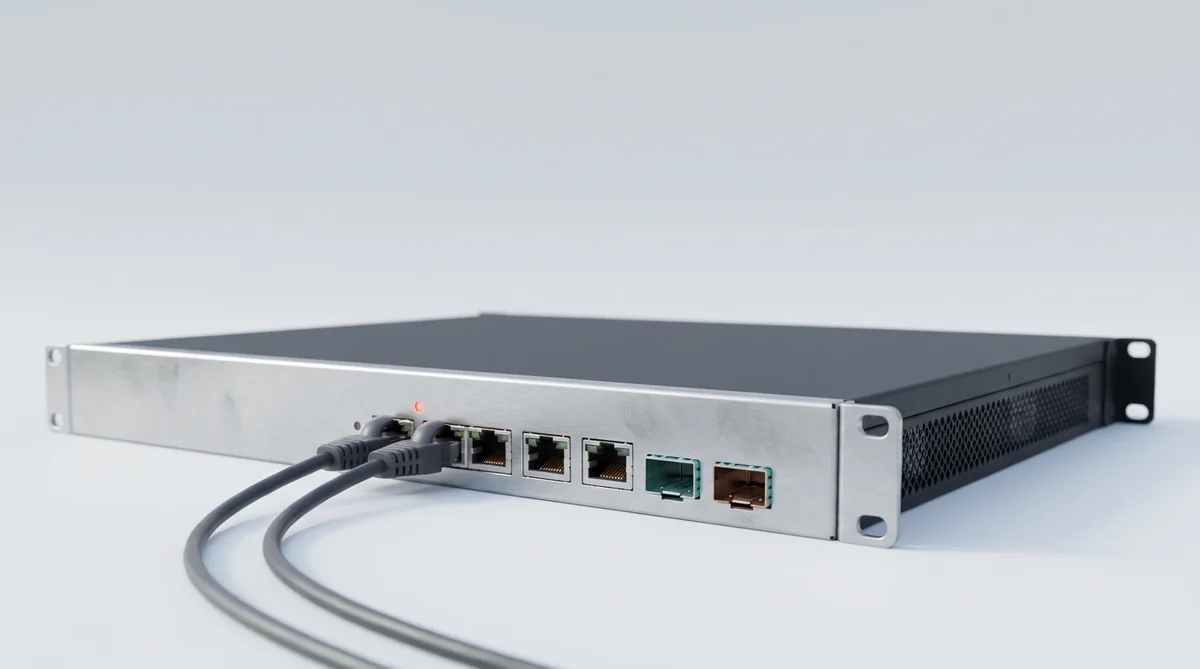
A dedicated firewall appliance sits between your rack and the network, inspecting and filtering every packet before it reaches your servers. Because the inspection happens on the appliance rather than on your hardware, there is zero CPU cost to your application, which matters on ports running at 10Gbps or 100Gbps. A single appliance can protect several servers behind one perimeter.
The appliance covers stateful packet inspection, inbound and outbound filtering, intrusion prevention, web filtering and antivirus at the perimeter, and IPsec VPN for remote access without exposing services publicly. Amanah can manage it, handling rule creation, 24/7 alert monitoring, change requests on ticket, and audit-ready change logs, which is what PIPEDA, PHIPA, and PCI-DSS reviewers actually ask to see. Or you keep full administrative access and Amanah stays hands-off with no per-change fees. The firewall service is month-to-month with no contract, and it is explicitly available to colocation clients, not only to dedicated server customers.
How does managed backup work for a colocation client?
Backups run on Veeam Backup & Replication onto dedicated backup hardware inside 151 Front Street West, not into cloud storage. That has three practical consequences: restores run at internal network speed rather than internet speed, there are no per-gigabyte egress fees when you restore, and the data never leaves Ontario, which keeps PIPEDA residency questions simple.
Two backup shapes are available. A full image-level backup captures the OS, applications, configuration, and data as an application-consistent snapshot with bare-metal restore, so a server can be rebuilt from nothing after hardware failure, ransomware, or corruption. A file-level backup targets specific directories, files, or databases and restores them individually without rolling the whole machine back.
The default retention schedule keeps recovery points across three intervals. Custom schedules are available on request.
| Frequency | Copies retained | Recovery window | Typical use |
| Daily | 7 | Last 7 days | Recent data loss, bad deploy, accidental deletion |
| Weekly | 4 | Last 4 weeks | Roll back to a stable state before a bad update or config change |
| Monthly | 3 | Last 3 months | Compliance, auditing, and long-range incident recovery |
Managed means Amanah configures the jobs, monitors them daily, alerts on failed or missed runs, handles restores on ticket, and issues a monthly backup health report. Self-managed gives you the Veeam console and you run it yourself. As with the firewall, backup services are available to colocation clients as well as dedicated server clients, and you can switch between managed and self-managed at any time.
Colocation vs managed services: what actually changes?
Renting this layer is not automatically cheaper. It changes the shape of the cost and the number of people responsible for it. The honest comparison is below.
| Buy and run it yourself | Managed colocation | |
| Upfront capital | Purchase the switch, firewall appliance, licences, and backup software before anything runs | No large upfront cost; leased monthly alongside the rack |
| Vendors and invoices | Colocation provider, hardware reseller, and backup vendor: three contracts, three support lines | One provider, one contract, one invoice |
| Refresh and RMA | Yours to forecast, budget, and chase | Add, swap, or return hardware as requirements change |
| Monitoring | Your team, your tooling, your on-call rota | 24/7 hardware monitoring and alerting |
| Firewall changes | Your admin and your change log | Handled on ticket with audit-ready change logs, or keep full admin access |
| Backup jobs | You configure, monitor, and test the restores | Configured, monitored daily, restores on ticket, monthly health report |
| On-site work | A trip to 151 Front Street West | Remote Hands from $100/hr |
| Long-horizon cost | Usually wins over five years if you have the engineers and the spare gear | Wins on cash flow, vendor count, and coverage gaps |
For anything hands-on beyond what is remotely configurable, Remote Hands covers installation, cabling, troubleshooting, heartbeat checks, space audits, and shipping and receiving, from $100 per hour with no separate retainer.
What is published pricing, and what is quoted on request?
Colocation space is published, fixed, and per-tier: the table above is the whole of it. The rented hardware layer and the managed services around it are quoted rather than listed, because they are priced on equipment type and specification, and on scope, device count, and SLA level.
The terms that do not vary: no setup fees, no mandatory bundle, and no requirement to take all three pillars. A team can rent a switch and a firewall around its own servers without a managed backup contract, or take managed backup and nothing else. Add-ons are co-terminus with the initial order, so there is no separate lock-in per line item.
When does renting this layer make sense?
It makes sense when the surrounding infrastructure is not the thing your team is good at or wants to be responsible for. If a rack needs a switch, a firewall, and a backup target, and nobody on staff wants to own the procurement, the licence renewals, the RMA queue, and the 3am alert, renting moves all of that to one line on one invoice.
It makes less sense if you already employ network engineers, hold spare gear, and are planning on a five-year horizon. In that case buying usually wins on total cost, and what you want from a colocation provider is space, power, and connectivity, which is the Space pillar on its own.
The middle case is the common one: a team that owns its compute, has a competent developer or two, and no dedicated infrastructure staff. Renting the layer around the servers buys back the operational headcount without giving up control of the machines. For a worked example of what that cost discipline looks like at 151 Front Street West, see how Qublix Games cut its AWS costs with colocation in Toronto.
Tell us what you already own and what is missing.
We scope the combination of colocation, leased hardware, and managed services that fits, and price it within one business day.
Common questions about managed colocation
No. À La Carte is built from three separate pillars, Space, Rent, and Manage, that combine in any way. A team that colocates its own servers can rent the switch, firewall, and backup layer, and add managed services on top, without ever leasing a server from Amanah.
Yes, for both. Amanah’s firewall service is explicitly available to colocation clients, not only to dedicated server customers, and a single hardware appliance can protect several colocated machines behind one perimeter. Backup services are likewise available to both colocation and dedicated server clients at 151 Front Street West.
That pricing is quoted rather than published, because it depends on equipment type and specification. What is fixed is the commercial shape: hardware leasing under À La Carte carries no large upfront cost, is billed monthly, and has no setup fees. Colocation space itself is published, from CA$149 per month for 1U to CA$1,999 per month for a full 44U rack.
No. Any combination of the three pillars is available and there is no mandatory bundle. Rent a switch and a firewall around your own servers with no managed backup contract, or take managed backup alone. Add-ons are co-terminus with your initial order, so there is no separate lock-in per line.
Managed means Amanah’s team handles configuration, monitoring, and changes on your behalf: firewall rule creation with audit-ready change logs, backup jobs configured and monitored daily with restores on ticket and a monthly health report. Self-managed means you get direct access, full administrative access to the firewall appliance or your own Veeam console, and Amanah stays hands-off but available for support. You can switch between the two at any time.
Backups are stored on dedicated backup hardware inside 151 Front Street West, on Amanah’s own network rather than in cloud storage, so the data stays in Ontario and restores carry no egress fees. File-level backup lets you recover individual files, folders, or databases without rolling back the whole server image. Full image-level backup with bare-metal restore is available for whole-server recovery.