
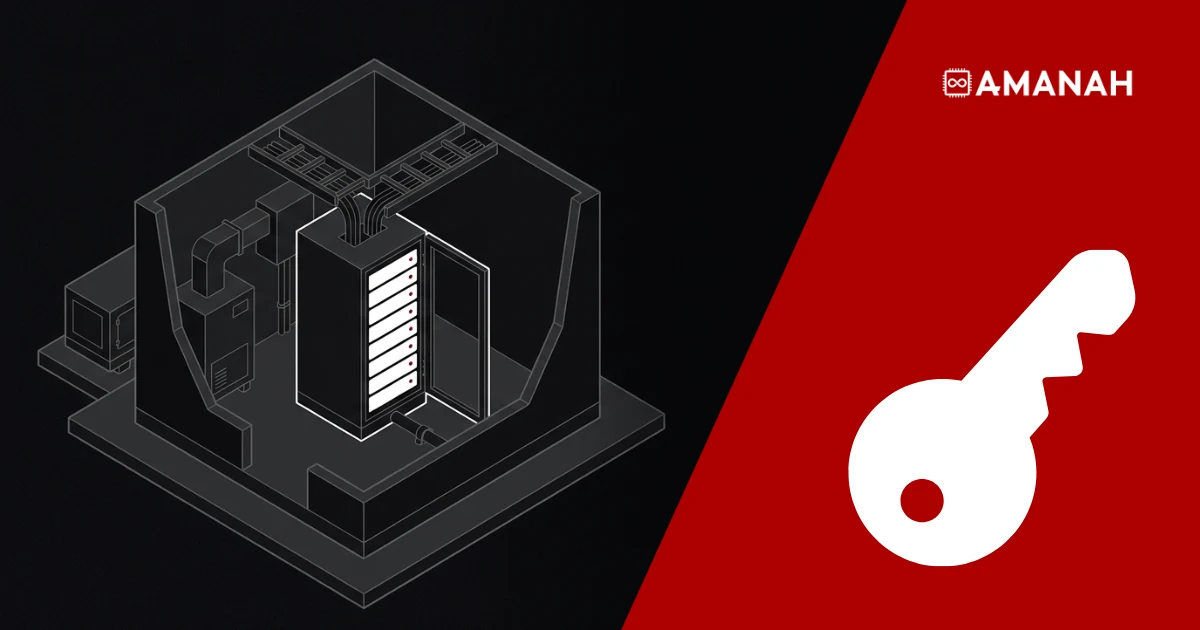
Colocation means renting space, power, cooling, physical security and network access inside a data centre for servers you own. You buy, install and manage the hardware. The provider runs the building around it, from the generators to the carrier connections. On quotes and in forums, colocation is shortened to “colo”.
Collocation, with two Ls, is a linguistics term, and in Canadian French colocation means sharing an apartment. In IT, colocation means housing your hardware in a provider’s facility.
- You own the servers. The provider owns and runs the facility they sit in.
- You pay a monthly fee for space (rack units, racks or cages), power and bandwidth.
- The provider handles power, cooling, physical security and the building’s network connections.
- You remain responsible for the hardware, operating systems, applications and backups.
- Colocation suits steady workloads on hardware you own. Spiky or short-lived workloads usually belong in the public cloud.
How does colocation work?
Colocation works like leasing a secure, powered slot for your hardware. The path from quote to first packet looks much the same at any provider.
- Count your servers in rack units (U), add switches and firewalls, and estimate the power draw in amps or kilowatts.
- Sign for a footprint: a few U in a shared rack, a quarter, half or full rack, or a private cage.
- Ship the hardware to the facility or carry it in yourself. Ask how deliveries are received and logged.
- Mount the servers, connect power and patch the network. Your team can do it, or the provider’s remote hands staff.
- Plug into the provider’s bandwidth port, or order cross-connects to carriers and cloud on-ramps in the building.
- Manage the servers over the network from then on. Site visits follow the facility’s access rules.
After day one, nearly all the work happens remotely. Your team touches the hardware only for upgrades, failures and new deployments.
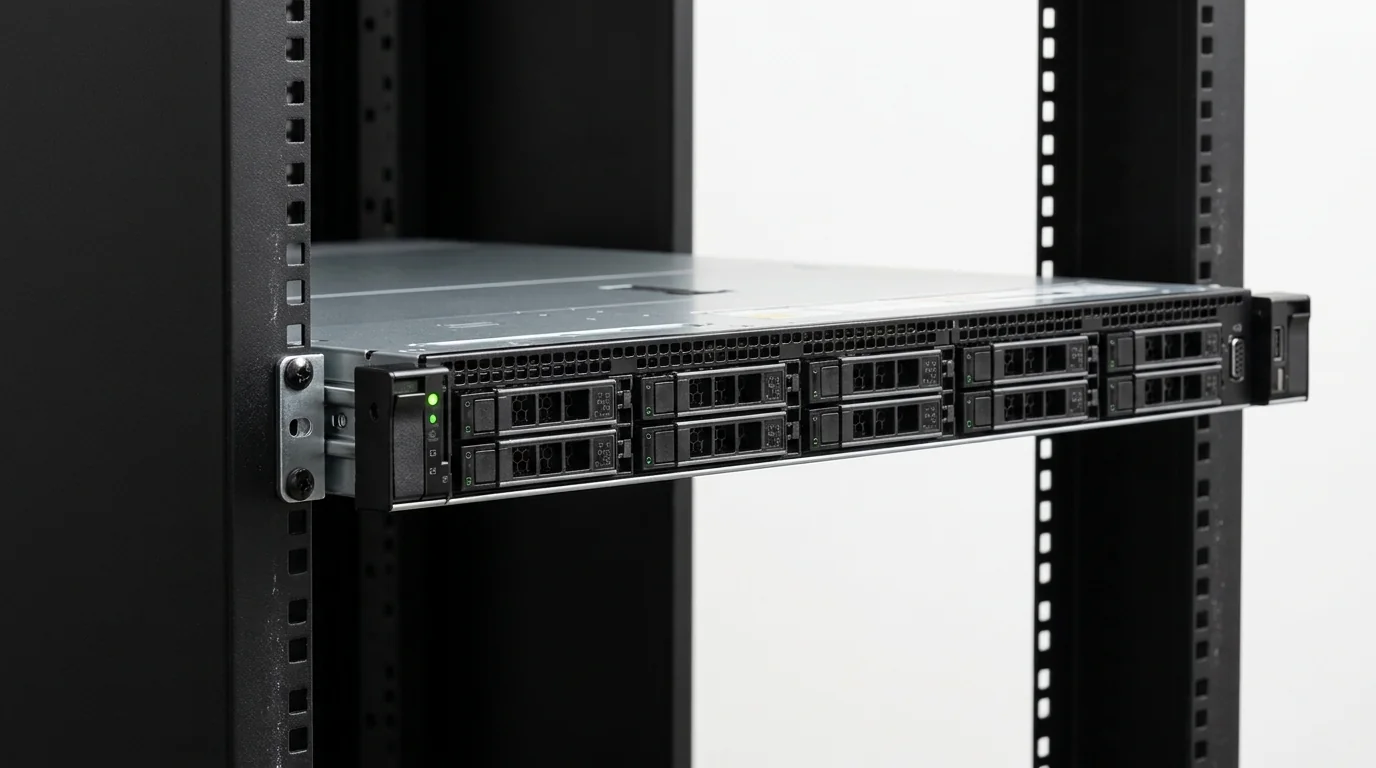
What does a colocation data center provide, and what do you provide?
The provider is responsible for everything up to your rack, and you are responsible for everything inside it.
| Layer | The data centre provides | You provide |
| Building, structure and fire suppression | Yes | Nothing |
| Utility power, UPS and generators | Yes | Nothing |
| Cooling and airflow | Yes | Nothing |
| Physical security and access control | Guards, cameras, access systems | The list of who on your team may enter |
| Rack and power circuits | The rack and the circuits you lease | Staying within your power allocation |
| Network into the building | Bandwidth port, IP addresses, carrier and exchange access | Your routing, switches and firewall configuration |
| Servers, storage and network gear | Nothing (unless you rent it) | Buying, installing, maintaining and replacing it |
| Operating systems, applications and data | Nothing | All of it |
| Backups and disaster recovery | Optional add-on at some providers | Yours unless you contract it out |
Power failures do the most damage. Uptime Institute’s 2026 outage analysis found that power remains the leading cause of impactful outages, mostly failures in UPS systems, transfer switches and generators. In the same report, 57% of respondents said their most recent major outage cost more than US$100,000.
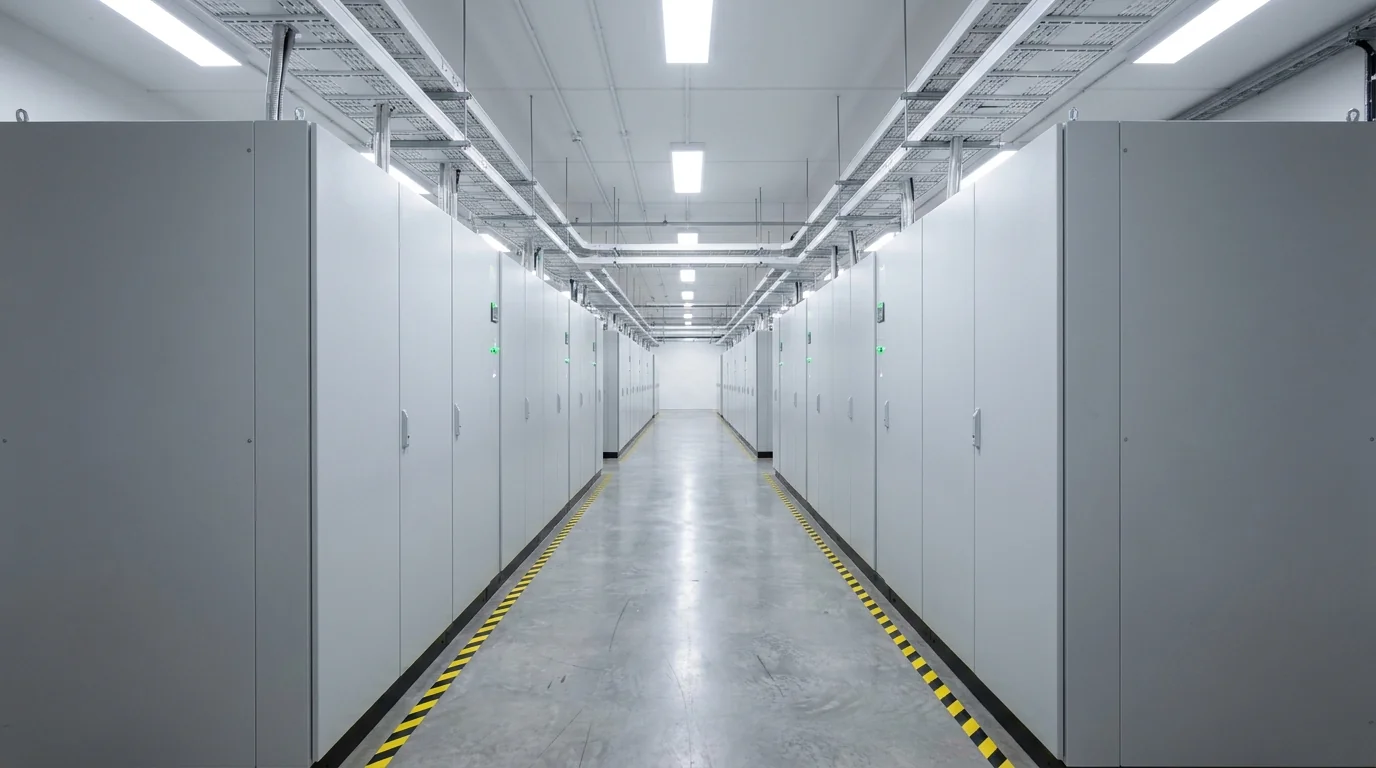
Cooling is the other half. ASHRAE recommends keeping the air entering IT equipment between 18 and 27 °C. Holding that range across a full room of servers, through a Toronto summer, is the provider’s job.
What is the difference between a data center and colocation?
A data centre is the building. Colocation is one way of using it: the operator owns and runs the facility, and many customers rent space in it for their own hardware. Data centres fall into four broad types, sorted by who owns the building and who owns the servers.
| Type | Who owns the building | Who owns the servers | Typical user |
| Enterprise | One company | The same company | Banks, governments and large firms running their own IT |
| Colocation | A colocation provider | Each customer | Businesses that own hardware but not a facility |
| Hyperscale | A cloud or large tech company | The same company | Public cloud customers, who rent virtual capacity |
| Edge | Often a colocation or telecom operator | The operator or its customers | Workloads that need low latency close to users |
A colocation facility can also house edge sites and cloud on-ramps, so the types overlap in practice. The test is ownership: in colocation, the servers in the racks belong to the tenants.

Why do businesses colocate instead of keeping servers in-house?
Businesses colocate to get data-centre-grade power, cooling and connectivity without building or staffing a server room. A typical server closet has one power path, limited battery runtime and a single internet carrier.
Owning hardware is still the norm. In Uptime Institute’s 2025 global survey, respondents ran 45% of their IT workloads in their own enterprise data centres, 16% in colocation and 10% in public cloud. Colocation keeps that ownership while handing the facility risk to a specialist.
Cost is predictable: a fixed monthly fee for space, power and bandwidth, often with no charge per gigabyte transferred. Carriers, internet exchanges and cloud on-ramps are a cross-connect away.
You keep control of the hardware and can name where your data lives, down to the floor. For Canadian organizations, a Canadian facility also gives a clear answer when a contract or client asks where data is stored. The provider’s audits cover the physical layer, so your own compliance work can rely on them.
What do colocation terms like U, cage and cross-connect mean?
Most colocation quotes use the same small set of terms.
| Term | What it means |
| Rack unit (U) | The standard height of one slot in a server rack: 1.75 inches (44.45 mm). A 1U server fills one slot. Amanah’s full rack, for example, is 44U. |
| Shared rack (per U) | A few U in a rack shared with other customers, usually with escorted access. |
| Quarter, half or full rack | A lockable section of a rack, or the whole rack, used only by you. |
| Private cage | A fenced, locked area that holds several of your racks. |
| Amps and kW | How power is sold. Standard racks are sold in amps at a stated voltage (for example 20 A at 110 V). Dense racks are sold in kW per rack. |
| N+1 | One more component than the load needs, such as a spare UPS module or cooling unit, so a single failure does not take the load down. |
| Tier III | An Uptime Institute rating for a facility where any single component can be taken offline for maintenance while the IT load keeps running. |
| Cross-connect | A dedicated physical cable from your rack to another network in the building: a carrier, a cloud on-ramp or another customer. |
| Meet-me room (MMR) | The room where the networks in a building interconnect and where cross-connects terminate. |
| Carrier hotel | A building where many carriers and networks meet. Colocating in one keeps cross-connects to those networks short. |
| Remote hands | On-site staff who do physical tasks for you, such as rebooting a server or swapping a drive, usually billed by the hour. |
| Unmetered port | A bandwidth connection billed at a fixed port speed, such as 1 Gbps, rather than by the data you transfer. |
| Carrier-neutral | The facility lets you buy connectivity from any carrier present in the building, not only one tied to the operator. |
The meet-me room needs more explanation than a table row allows. Our guide to how a meet-me room works walks through it.
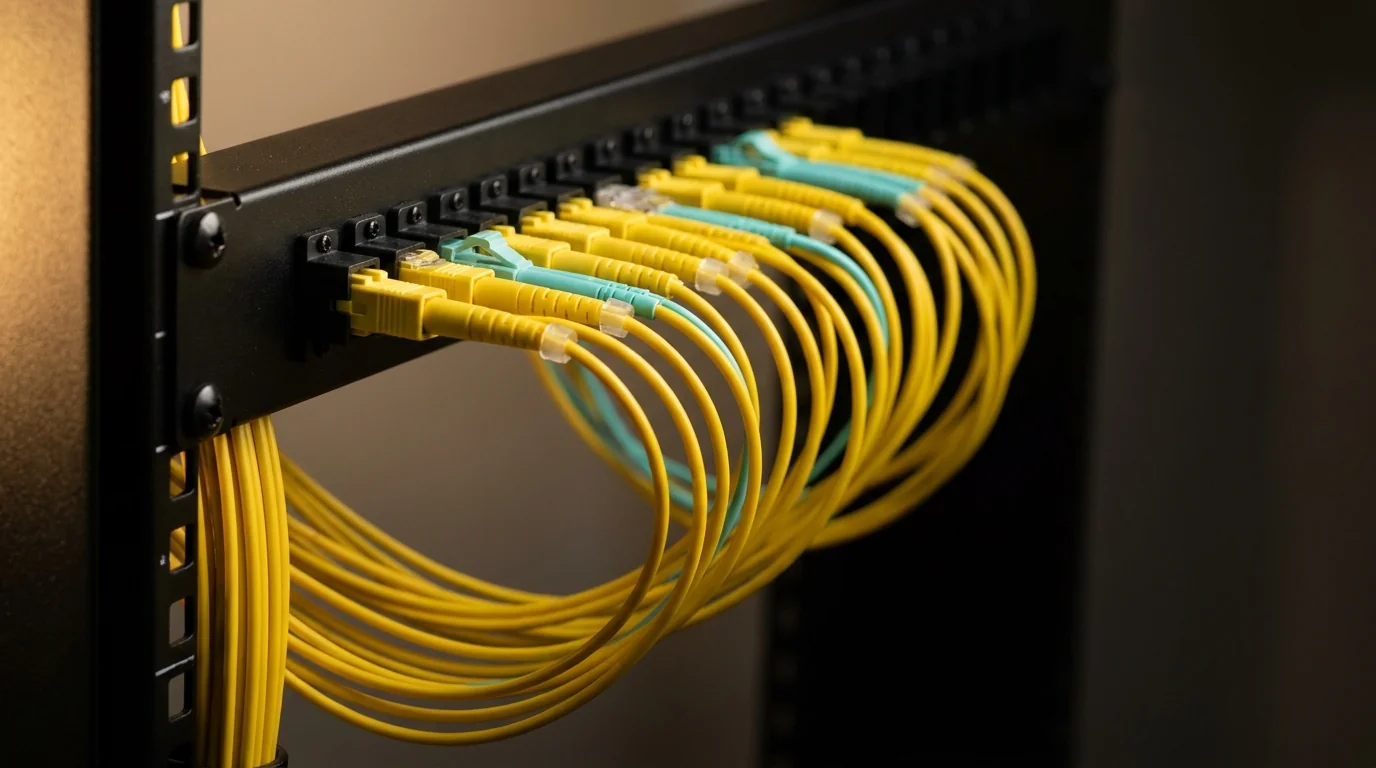
What types of colocation can you buy?
Colocation is sold by footprint, from a single rack unit to a private suite. The right size depends on how many servers you run, how much power they draw and who needs access.
| Footprint | Fits | Access |
| Per U in a shared rack | One or a few servers | Escorted, lowest entry cost |
| Quarter or half rack | A small cluster plus its switch and firewall | Your own locked section |
| Full rack | A complete environment with its own power circuits and room to grow | Your own locked cabinet |
| Private cage or suite | Several racks, often for compliance or larger estates | Your own fence and access list |
| High density | GPU and AI servers that draw tens of kilowatts per rack | Varies by provider |
Providers also sell colocation under four commercial models. Retail colocation is racks and cages billed monthly, and it is what small and mid-sized businesses buy. Wholesale colocation leases whole data halls or megawatts to hyperscalers and large enterprises on multi-year terms.
Managed colocation adds operational work on top of the space, such as monitoring, patching or hardware replacement, for teams without a full-time sysadmin. Our guide to managed colocation services covers what that usually includes. Hybrid colocation pairs your colocated servers with a public cloud over a cross-connect to a cloud on-ramp, so steady workloads run on your hardware and bursts run in the cloud.
What does colocation cost, and what drives the price?
Colocation is priced on power first, then on space and bandwidth. Every kilowatt you draw has to be delivered, backed up by UPS and generators, and cooled, so providers price power separately from space, and a dense rack costs more than a light one in the same footprint.
| Cost line | How it is billed |
| Power | Amps at a stated voltage, or kW per rack for dense deployments |
| Space | Per U, per partial or full rack, or per cage |
| Bandwidth | A fixed-speed port (unmetered), or by usage |
| Cross-connects | A monthly or one-time fee per cable at many providers |
| Remote hands | Hourly, sometimes with a monthly minimum |
| Setup | One-time installation fee, which some providers waive |
| IP addresses | Included in a base block, with larger blocks extra |
Colocation does not include the hardware itself. You buy the servers, so a fair comparison with cloud counts hardware cost spread over its working life. For what each footprint costs in Canada, see our colocation services buyer’s guide for Canada.
Colocation vs cloud and dedicated servers: what is the difference?
The difference is who owns the hardware. In colocation you own it. With a dedicated server you rent a physical machine. In the public cloud you rent virtual capacity on shared hardware.
| Colocation | Dedicated server | Public cloud | |
| Who owns the hardware | You | The provider | The provider |
| Who runs the facility | The provider | The provider | The provider |
| Who manages the operating system | You | You, or the provider as an add-on | You for virtual machines, the provider for managed services |
| How you pay | Fixed monthly for space, power and bandwidth | Fixed monthly per server | By usage |
| Up-front cost | The hardware | None | None |
A dedicated server gives you most of the control of colocation without buying hardware. Our colocation vs dedicated servers guide covers when each one wins.
When is colocation the wrong choice?
Colocation is the wrong fit when the workload or the team does not match the model.
- Spiky or short-lived workloads. If demand jumps tenfold for a week, or a project ends in three months, pay-per-use public cloud wins.
- No hardware and no budget to buy it. Renting dedicated servers avoids the capital outlay and the refresh cycle.
- No one to run the servers. Colocation gives you a facility, not a sysadmin. Without in-house skills, budget for managed services.
- A requirement to keep hardware on your own premises. If a contract demands physical possession, on-premise is the only answer.
How do you choose a colocation provider?
Judge the provider on the building and the team that runs it, because they own everything outside your rack. Ask for specifics on each of these, in writing:
- Power: the number of utility feeds, UPS and generator redundancy (N+1 or 2N), and generator fuel runtime.
- Cooling: redundancy, and whether the room holds ASHRAE’s recommended range at your rack density.
- Network: which carriers sit in the meet-me room, internet exchange access, and cross-connect price and lead time.
- Access: who can enter, at what hours, and how visits are logged.
- Contract: how the SLA defines uptime, what credits it pays, the contract term and remote hands rates.
- Audits: current SOC 2 or ISO 27001 reports, and which suites they cover.
- Location: drive time for your team, and whether the facility is in Canada if data residency matters to you.
Then go and see it. A tour shows you the power room, the cooling and the meet-me room, which a spec sheet can only describe.
How Amanah fits
Amanah Tech has run colocation at 151 Front Street West in Toronto since 2005. It now operates two suites in the building: TOR1 on the 3rd floor and TOR2 on the 6th, opened in 2025.
Amanah’s colocation plans run from a single U in a shared rack to quarter (10U), half (21U) and full (44U) racks and private cages. High-density racks in TOR2 take up to 30 kW each. Every plan includes a 1 Gbps unmetered port, a /29 IPv4 subnet, always-on DDoS mitigation, N+1 power and access to TorIX and 400+ networks in the building.
Shared rack space starts from $149 CAD a month, with no setup fees, and racks are provisioned within one business day of signing. Private racks come with 24/7 unescorted access by card and Bluetooth. Remote hands starts at $100 an hour, with no monthly minimum.
See the rack before you sign for it.
Tour the suites at 151 Front with your server list and power draw in hand. The tour carries no commitment.
Questions about this topic
No. In colocation you own the physical servers and rent space, power, cooling and connectivity for them in a data centre. In cloud hosting you rent virtual capacity on hardware the provider owns and pay for what you use. Colocation suits steady workloads on hardware you control, while the cloud suits variable or short-term demand. Many businesses run both and connect them.
Colo is short for colocation. A colo facility is a data centre that rents space, power, cooling and network access to many customers, who install their own servers there. People also use colo for the rack or cage itself. The term covers everything from a single rack unit in a shared rack to a private suite with its own access control.
Yes, which is why search results often mix the meanings. In Canadian and European French, colocation means sharing an apartment with roommates. Collocation, spelled with two Ls, is a linguistics term for words that usually appear together. Project managers use co-location for putting a team in one office, and traders use it for placing servers next to an exchange’s matching engine.
A colocation server is a server you own that sits in a rented rack in a provider’s data centre instead of in your office. You buy and configure it, and the provider supplies power, cooling, physical security and network connectivity. Most colocation servers are standard rack-mount machines, 1U or 2U high, managed remotely over the network.
It depends on the workload. Colocation favours steady workloads that run around the clock on hardware you keep for several years: you pay a flat monthly fee for space, power and bandwidth, often with no per-gigabyte transfer charges. The cloud favours spiky, short-lived or small workloads, because you pay nothing up front and can switch resources off. Compare total cost over the hardware’s working life, hardware included.
Colocation splits security between you and the provider. The provider secures the physical layer: the building, access control, cameras, guards and the locks on your rack or cage. You secure everything logical, including operating systems, firewalls, patching, encryption and credentials. Ask a provider how it logs site visits and which suites its current audit reports cover.
Yes. In colocation the servers, storage and network gear are yours, bought and maintained by you. The provider supplies the space, power, cooling, physical security and building connectivity around them. You manage the operating systems and applications remotely, and you can add, remove or replace equipment within the facility’s access rules.
Yes, within the facility’s access rules. Private racks and cages usually come with your own access credentials, while shared racks are often escorted during set hours. At Amanah, private racks have 24/7 unescorted access by card and Bluetooth, and shared rack visits are escorted Monday to Saturday, 8 AM to 2 PM ET. Remote hands covers tasks when you cannot be there.
Colocation is priced by power, space and bandwidth, so a single server in a shared rack costs far less than a full rack with its own circuits. At Amanah, shared rack space starts from $149 CAD a month and a full 44U rack is $1,999 CAD a month, both with 1 Gbps unmetered bandwidth and no setup fees. Annual billing takes 10% off.